Make Claude Code smarter with better prompts
Contents
I set up the tools first
Claude Code uses the tools already installed on my machine. Before I prompt it, I install and authenticate everything the task needs. I configure git, log in to aws, and check tools such as gh, docker, and kubectl from my shell.
The agent inherits my shell environment, configuration, and credentials. If aws sts get-caller-identity fails in my terminal, no prompt will fix it. I get the tools working first, then use the techniques below to make the agent more predictable.
Steps
Default to
opusplan. Opus plans; Sonnet implements. This is an easy way to improve larger coding tasks./model opusplanI can also set it in my settings file:
{
  "model": "opusplan"
}
Make it investigate before editing, especially in an unfamiliar codebase:
Investigate this first. Do not make any changes yet.

Find the relevant files, understand how the current implementation works,
and tell me what you think is causing the problem.
I ask for an independent review. A vague instruction such as
Check your codeoften produces a shallow pass in the same context. I use a fresh subagent instead:Now review the implementation critically. Use a fresh subagent so the review is independent. Look specifically for: - incorrect assumptions - edge cases - security issues - missing tests - unnecessary complexity Fix any valid findings.
Using subagents
Subagents run in separate contexts. I use them for broad searches that would otherwise fill the main context with noise. I rarely need custom definitions:
Use separate subagents to investigate:

1. the backend implementation
2. existing tests
3. the frontend integration

Have them report their findings back to you before making changes.
Keep the coordinating model focused on reasoning, not file searches:
Delegate codebase exploration to a Sonnet subagent.

Have it find the relevant files and return a concise summary.
You should reason from its findings.
And for larger features:
Break this into independent tasks — backend, frontend, tests.
Fan out independent work to Sonnet subagents.
Coordinate their work and integrate everything afterwards.

Do not parallelise tasks that depend heavily on each other's unfinished changes.
Keep the context window small
A bloated context makes Claude Code slower and less focused. Keep it lean:
- Fan out more subagents. Every large search or investigation I send to a subagent runs in its own context. Only the summary returns, so the search output never reaches my main window.
- Compact when it drifts. Run
/compactto squeeze the history down to what still matters before it gets confused. - Restart when necessary. Once
AGENTS.mdcaptures the important project context, I often start a new session. It reloads the file and begins with a clean context, which is usually faster than recovering a stale one.
Keeping the change small
Negative instructions work well. Be explicit:
Do not:
- refactor unrelated code
- rename unrelated files
- add dependencies
- change public interfaces
- modify the database schema
- disable tests
- weaken validation
Plus the catch-all: “Make the smallest change that correctly solves the problem.”
When it’s going the wrong way
Agents sometimes head in the wrong direction. When that happens, press Ctrl-C and ask it to reassess:
Stop implementing.

Re-evaluate your assumptions.

Inspect the relevant code again and explain why the current approach is wrong
before making any further changes.
If the context has become stale or messy, run /clear and restate the task. That is usually faster than trying to correct a confused session.
Make it prove the work
Instead of asking Done?:
Before finishing, show me:

1. what you changed
2. why you changed it
3. what tests you ran
4. whether they passed
5. anything that remains uncertain
Or simply: “Verify this works. Don’t just tell me it works.”
Give it authenticated tools
Claude Code can use only the tools it can access. I log in to command-line tools such as git, aws, and gh, connect the MCP servers I need, and write skills for work I repeat.
Without them, it will waste time finding another way to do the work.
I run commands inside Claude Code
Like ! in Vim, Claude Code can run shell commands inline. I prefix a line with !; the command runs in my shell and its output appears in the conversation:
!gg
!git push
!terraform plan
This is useful for deployments and Git workflows because the command and its output stay in context.
The formula
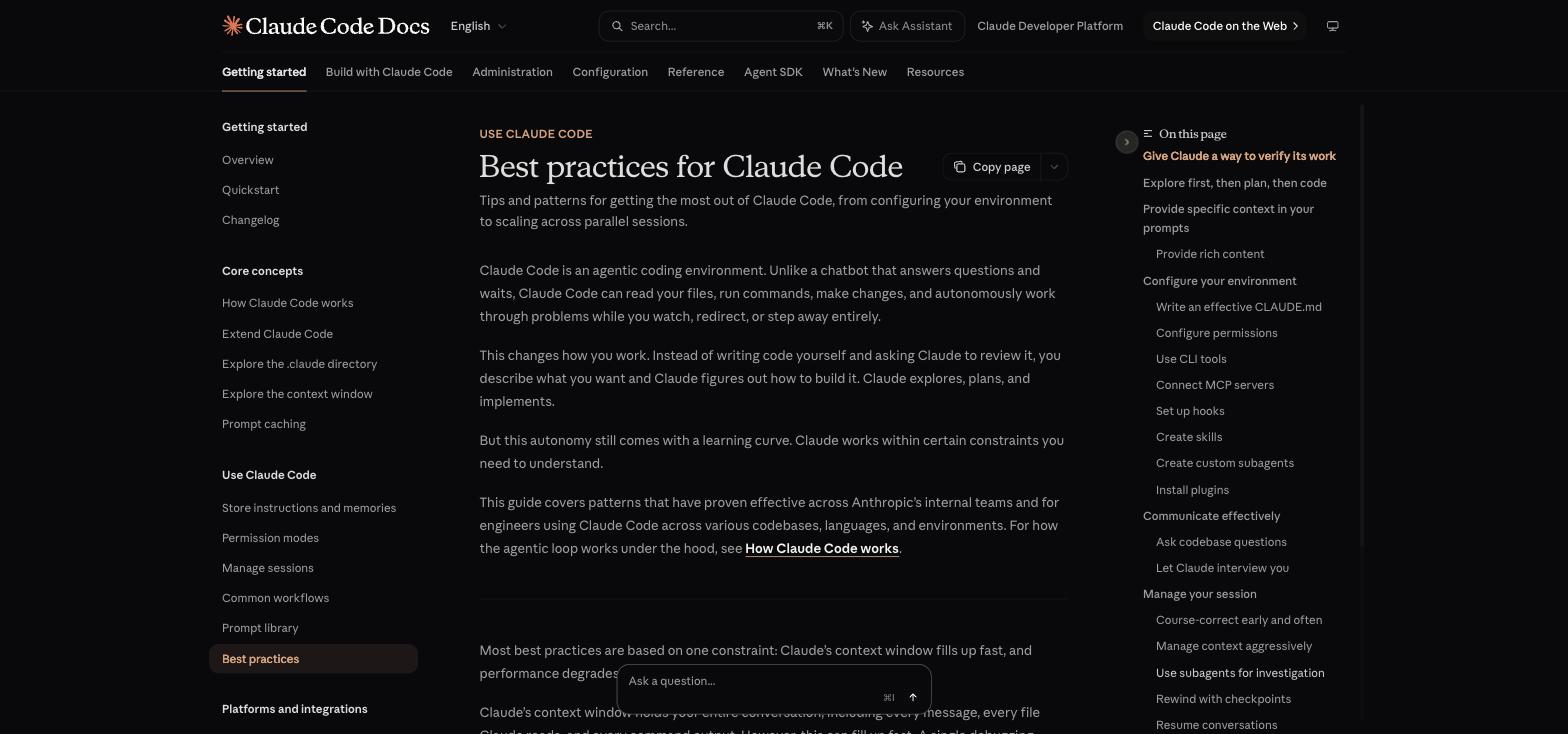
Anthropic’s Best practices for Claude Code guide.
This is the formula I use:
OPUSPLAN

Investigate → Plan → Implement → Review → Test

Investigate first. Use subagents for independent work. Keep the context small.
Use existing tools instead of reinventing their work with AI.
And phrase every instruction around:
What I want
+ What you must preserve
+ What you must not touch
+ How to approach it
+ What "done" means